For printer set up on a Windows workstation, you must first make sure that your printers are configured correctly and printing as expected.
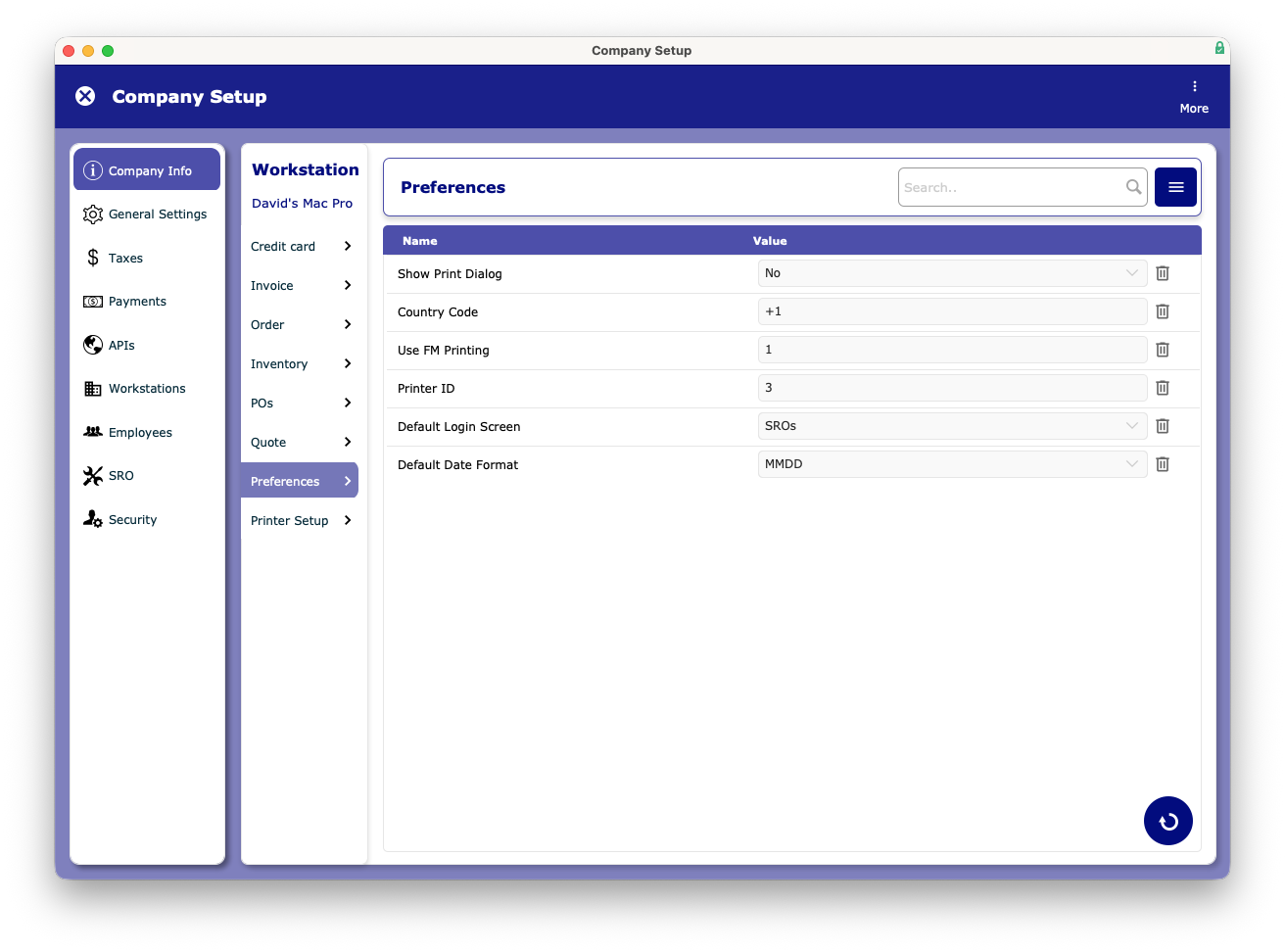
- Open the settings and navigate to Workstations > Preferences
- Verify your Printer ID is unique from all other workstations that need to print.
- Make sure that Use FM Printing is set to 1
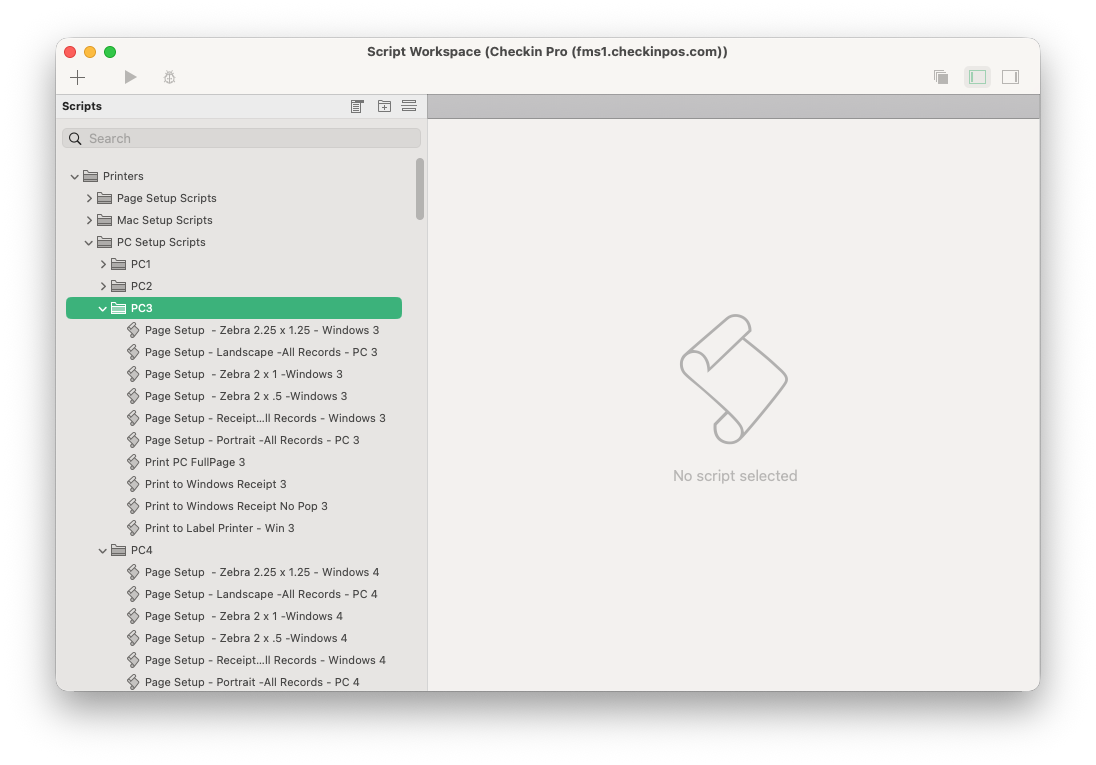
- Click Printer Settings, and in the new window that opens, navigate to PC Setup Scripts and find your corresponding number.